10 Best Multi Effects Pedals for Every Budget
A Multi-effects pedal can put drive, delay, reverb, modulation, and amp-style tones in one compact unit. For players with limited space or a tight budget, that can mean fewer cables and more sounds within reach. But a long effect list does not guarantee a useful pedal. Screen readability, footswitch layout, sound quality, and setup time matter when you are changing tones between songs.
This guide compares ten options across different price points, from straightforward practice tools to deeper units for rehearsals and live sets. It considers the details that shape everyday use: whether editing is clear, presets are easy to access, and connections suit your guitar, headphones, amp, or recording setup. Features and prices can vary by model version and retailer, so check current specifications before buying. A smaller pedal may be the better fit if you mainly need a few dependable sounds. More options can help, but they can also slow you down. That trade-off is easy to overlook. The aim here is not to crown one universal winner, but to help you find a reliable match for your playing, setup, and budget.
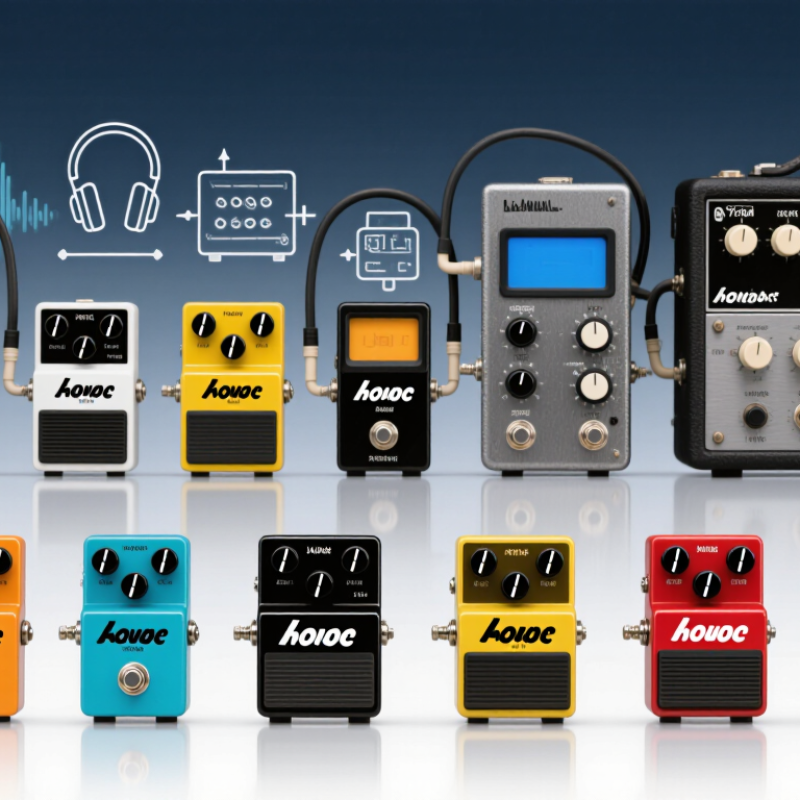
What a Multi-Effects Pedal Does and How It Shapes Guitar Tone
A multi-effects pedal combines several processors in one signal path: overdrive, modulation, delay, reverb, and often amplifier or speaker simulation. Each stage changes a different part of the guitar’s sound. Overdrive adds harmonics and compression; chorus creates moving pitch differences; delay repeats notes; reverb suggests a room around them. The order matters. Put distortion before delay, and the repeats usually distort too. Reverse that order, and the repeats may stay cleaner. Small routing choices can change the feel under your fingers.
For a digital reference point, IEC 60908 specifies 44.1 kHz sampling for compact-disc audio. By the Nyquist principle, that rate represents frequencies up to 22.05 kHz; it does not describe every pedal’s internal design or guarantee better tone. Listen for practical details instead: pick attack, note decay, background hiss, and whether low notes remain clear. A preset that sounds wide in headphones may feel crowded through a guitar speaker. I still find that easy to overlook.
Tips: Start with one effect, then add another. Match the output level before judging tone. Save a dry setting nearby; it helps reveal what the processing actually changed.
Key Features to Compare Before Choosing a Multi-Effects Pedal
Choosing a multi-effects pedal is less about counting effects and more about matching its workflow to your playing. Check whether it offers parallel routing, editable signal chains, and enough footswitches for quick changes. These details matter when switching from a clean verse sound to a layered chorus without menu-diving. Also check input and output options: stereo outputs, an effects loop, and USB recording can shape how easily the unit fits your rig.
Latency deserves a closer look. The Audio Engineering Society’s AES17-2020 standard addresses measurement of digital audio equipment; at 48 kHz, each sample spans about 20.8 microseconds. That figure is not total pedal latency. Conversion and processing add time, so look for measured end-to-end latency rather than sample rate alone. Compare preset capacity, expression-pedal control, tuner visibility, and whether essential settings are reachable under stage lighting. A long feature list can still hide awkward navigation.
Tips: Test a preset change while playing, not just at home. Bring your guitar and headphones if possible. A small caveat: published specifications rarely capture menu frustration, and that can matter more than one extra effect.
How to use this chart: These approximate US price bands are for planning; actual prices vary by retailer, region, and date. Within your budget, compare the effects and amp models you need, signal-chain flexibility, footswitches, expression control, and USB or MIDI connectivity.
Best Budget Multi-Effects Pedals for Essential Sounds
A budget multi-effects pedal should cover the sounds you actually use: clean tone, light overdrive, heavier crunch, delay, and reverb. Choose breadth carefully. A clear screen and simple controls matter when you are changing presets between songs. Try adjusting a sound without looking at the manual; if that feels awkward at home, it may feel worse on a dim stage. Headphone output is useful for quiet practice, while a built-in tuner can free up space on a small board. Extra effects are nice, but rarely worth paying for if the basic sounds feel thin or hard to balance.
NAMM’s 2023 Global Report recorded $17.3 billion in U.S. music-product sales for 2022. That broad figure includes many product types, not just effects pedals, so it cannot tell us which pedal offers the best value. Still, it shows a large, active music-making market where affordable gear matters. Compare the number of usable presets, editing steps, and connection options rather than relying on an effects count alone. Less is enough. A budget unit may have uneven amp models or slightly abrupt transitions; listen through headphones and an amplifier before deciding. That small compromise deserves thought.
Best Midrange and Premium Multi-Effects Pedals for Advanced Control
Midrange and premium multi-effects pedals are built for players who need more than a row of preset sounds. Look for flexible signal routing, detailed parameter editing, and footswitches that can control several functions. These features help when one song needs a clean verse, a wide chorus, and a focused solo boost. That matters live. A clear screen and readable controls also save time when changing settings under dim stage lights.
Before buying, test how quickly you can build and adjust a sound. A good unit should make it easy to move effects, balance output levels, and assign switches without digging through endless menus. Check whether it supports expression-pedal control, external switching, and direct recording if those fit your setup. More options are not always better. Deep editing can slow down a player who only needs a few dependable sounds, and a complex preset may behave differently through headphones than through an amplifier. Compare the connection options with your actual gear, then try a patch at rehearsal volume. Small level changes can feel surprisingly large.
How to Match a Multi-Effects Pedal to Your Setup and Playing Style
Choosing a multi-effects pedal starts with your actual setup, not the longest feature list. Count the sounds you use regularly: perhaps clean compression, a driven rhythm tone, delay, and a roomy reverb. Then check how you connect. A compact practice amp, a direct-to-mixer rig, and an effects loop each place different demands on a processor. Keep it simple. If you play through an amp, confirm that the pedal can bypass its amp and speaker simulations when needed.
Think about how you perform, too. Players who change sounds mid-song may need clear footswitches and reliable preset changes. If you shape tones gradually, expression control can be more useful than dozens of factory presets. At home, headphone output and quiet editing may matter most. Onstage, readable controls and sturdy connections deserve attention. Small details count. A bright display can be hard to read under stage lights, and tiny knobs are awkward between songs.
Set a realistic budget, then compare the features you will actually use. A lower-cost unit may cover essential effects well, while a pricier model may offer routing options or deeper editing. Try building one familiar sound before judging the presets; factory tones can be impressive but poorly matched to your guitar, pickups, or playing touch. I would not assume more effects mean a better fit. It is easy to spend time adjusting menus instead of practicing, and that trade-off is worth considering.
